Polonova
Lay the first road. The rest is yours.
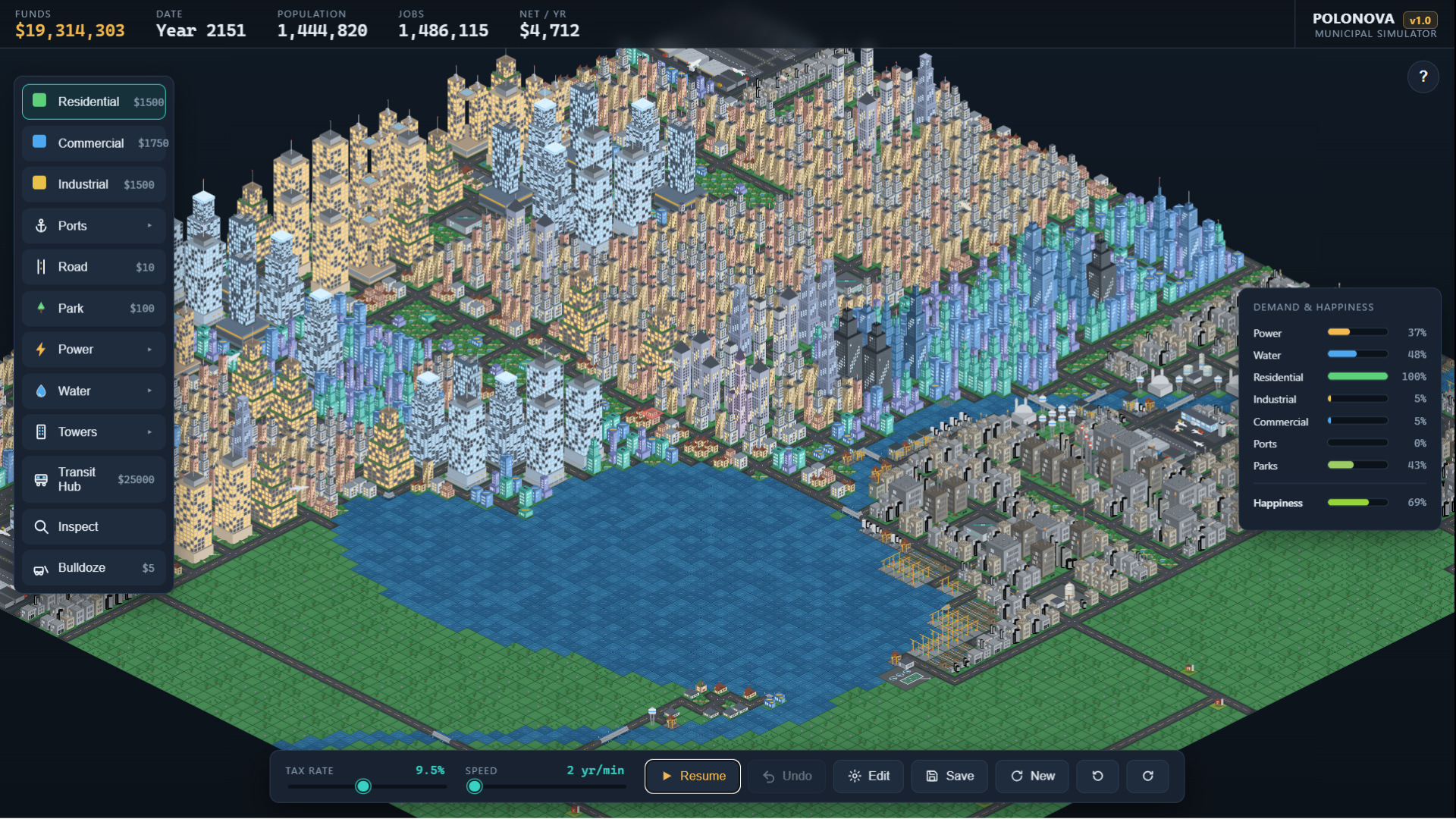
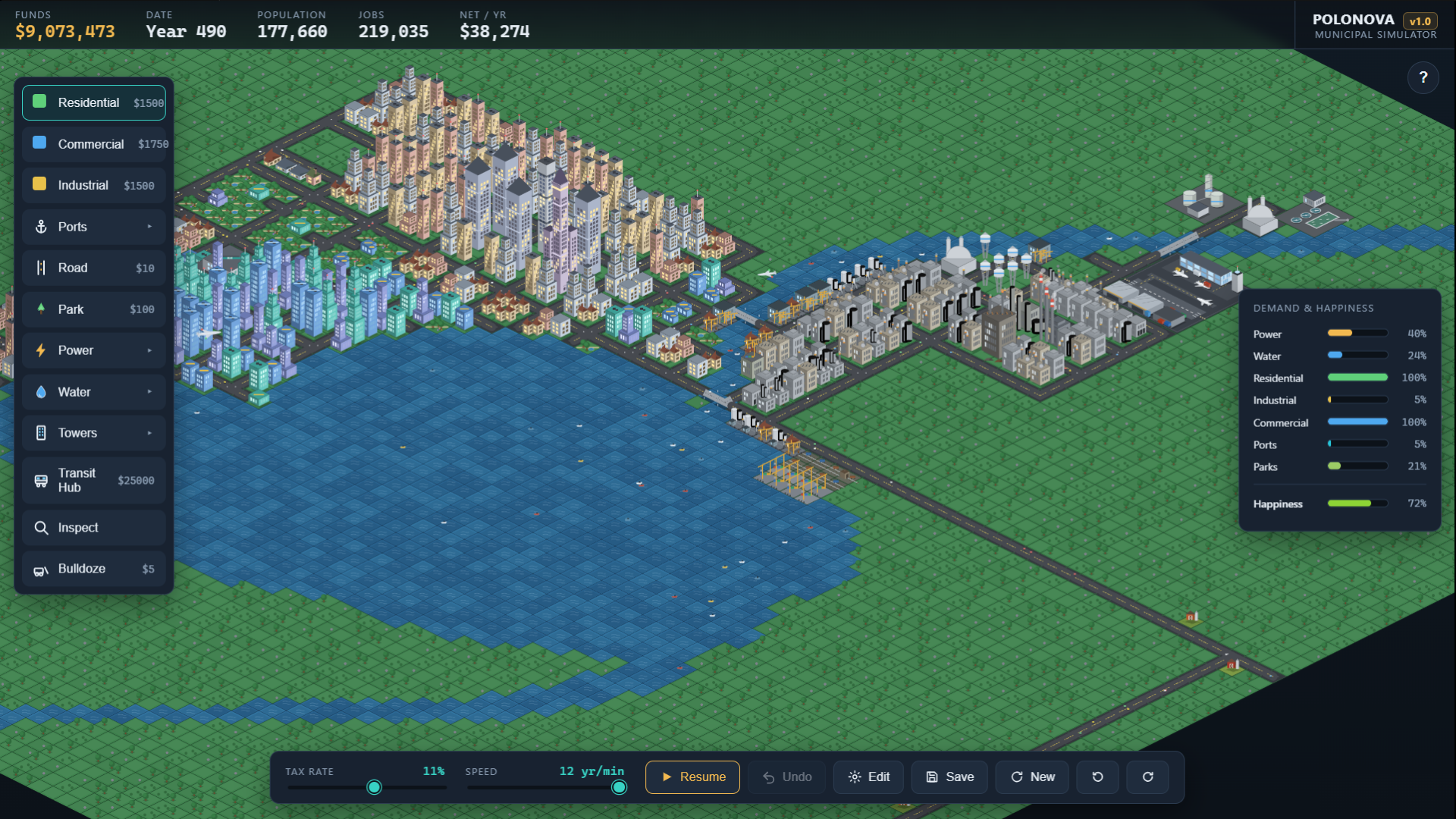
Polonova is an isometric city builder you play right in your browser — no download, no account. Start with an empty map and a budget. Lay a road, zone homes, shops and industry beside it, and watch empty lots grow into houses, condo blocks and, eventually, supertall towers.
How it plays
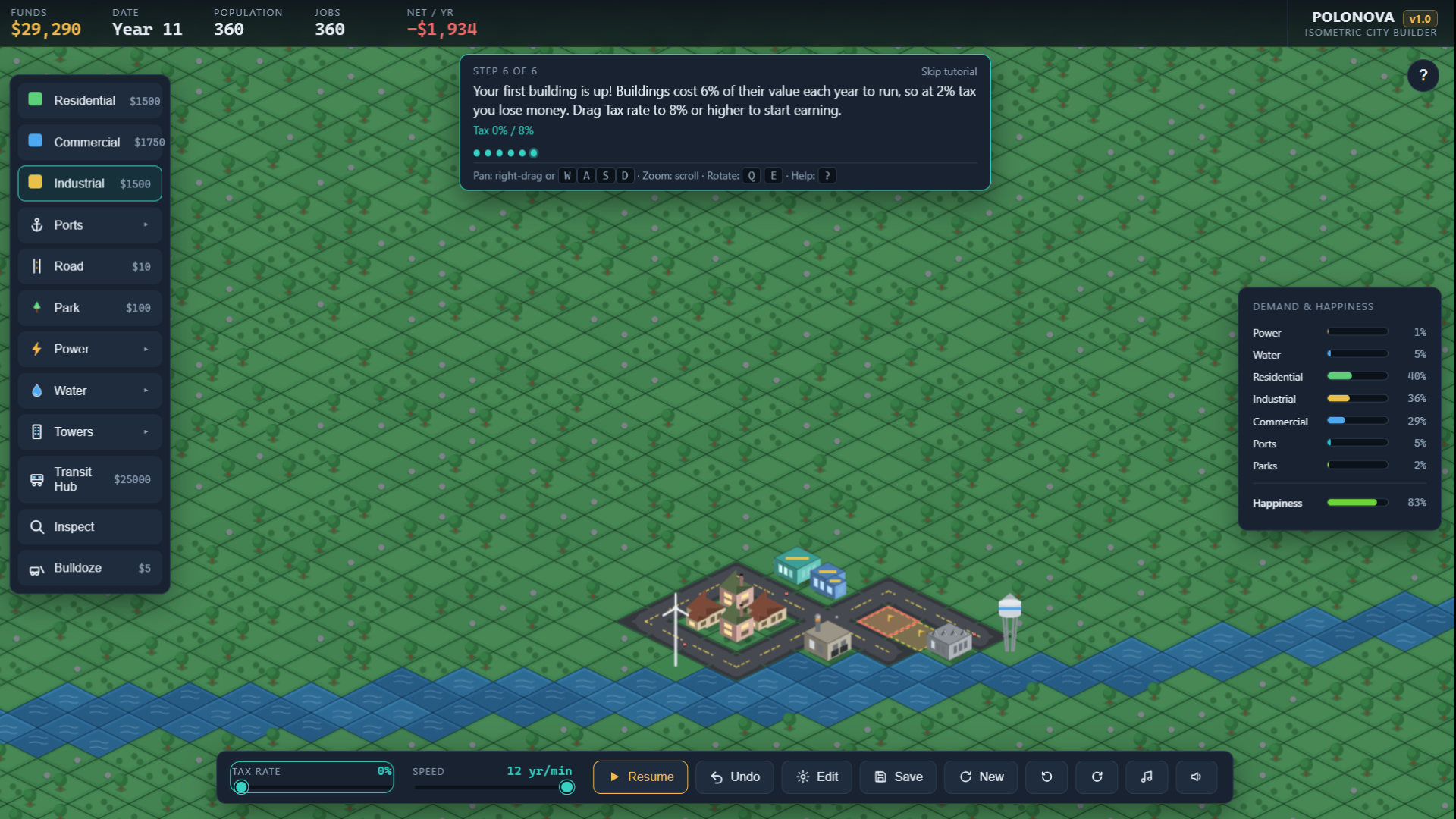
- A short guided start walks you through roads, power, water, zoning and taxes, then hands you the keys.
- After the tour, you can click 'New' to reroll the map until you find a land-and-water layout you like.
- Learn math and economics: Drag the tax slider and see the trade-off live: your yearly income at that rate, the break-even rate where you stop losing money, and how fast your city will grow.
- Every system talks to the others. Residents need jobs, shops need customers, industry needs exports. Power plants pollute and parks raise land value.
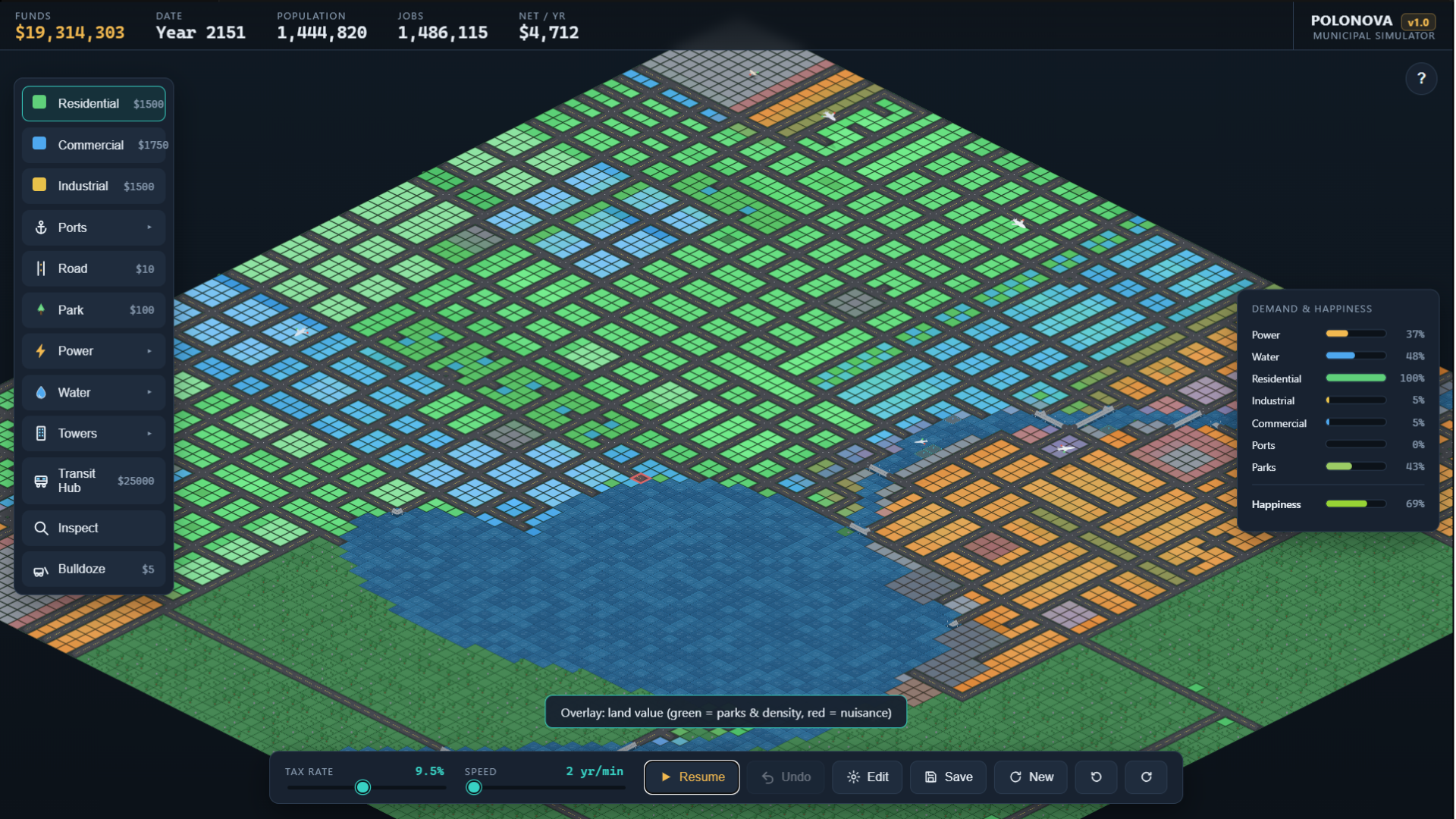
- Heat-map overlays (press H or the Heat button) reveal what's happening under the skyline: land value, nuisance (pollution) and traffic. See where congestion builds, and where a transit hub clears it.
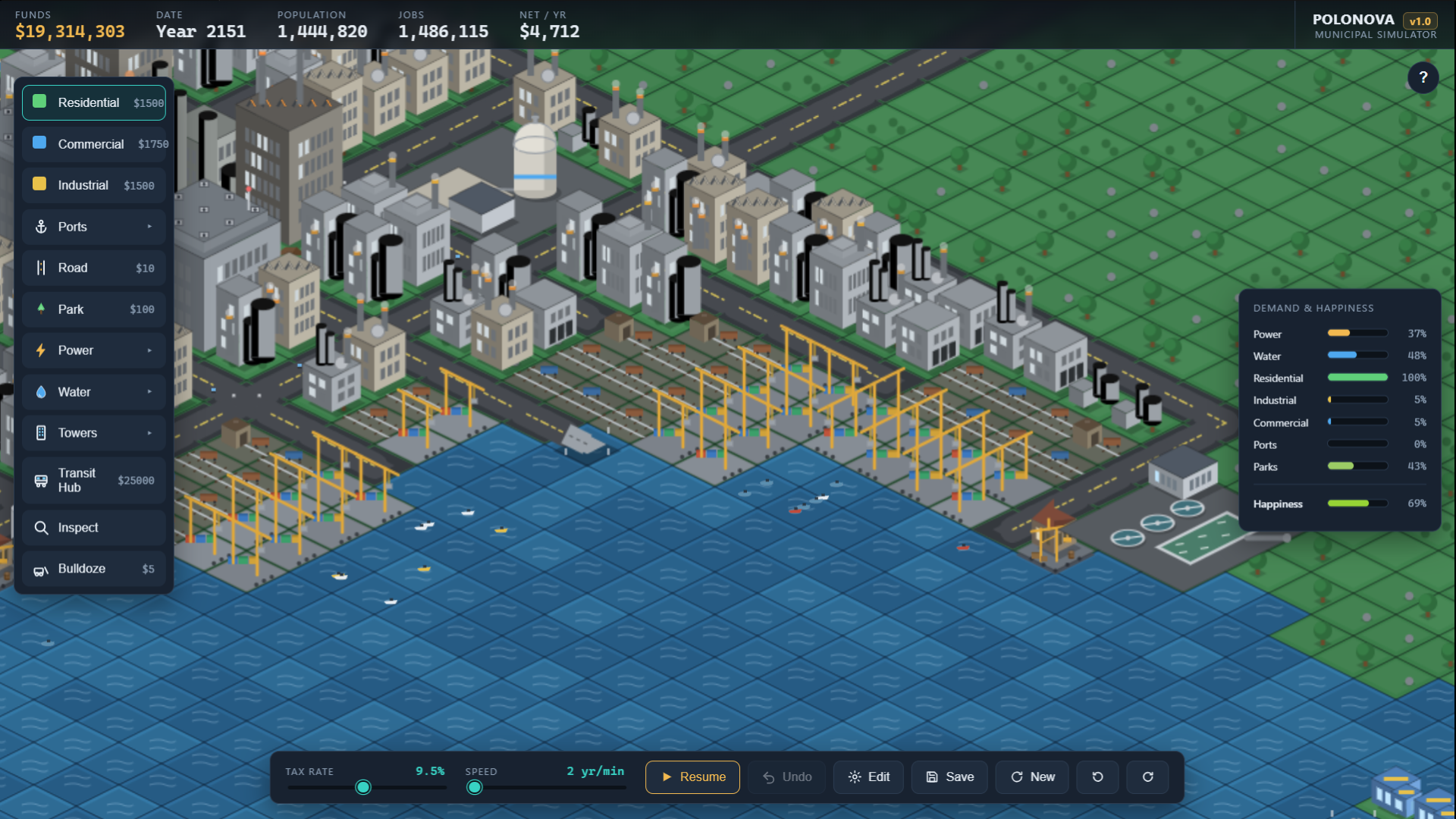
- Growth is gated by infrastructure. Airports, sea ports, water and transit unlock each new stage, from village to a city of a million.
- Four matured lots merge into a mega-structure. Later you can place supertall towers, a Mega Sea Port and a Fusion Plant.
- Optional random disasters (off by default): fire, tornado, flood and earthquake can level a block. You rebuild.
- A generative soundtrack that changes style as your city grows, through six musical eras from string band to club. Music and sound effects toggle separately.
One tip to get started: the first buildings are the hardest. Low taxes speed up growth, and fast speed gets things moving. Once the city's earning, drag the tax slider to find your break-even rate. Have fun!
Controls
- Build = Left-click / drag
- Move up/left/down/right = WASD or numpad 8/4/2/6
- Zoom = Scroll
- Rotate = Q / E or numpad 7/9
- Heat maps = H or the Heat button (cycles land value → nuisance → traffic → off)
- Bird's-eye view = numpad 5 (flat top-down view, no heat map)
- Inspect = V
- Bulldoze = X
- Pause = Space
- Undo = Ctrl+Z
- Full help = ? key or click the "?" icon
Reading the heat maps
- Land value: green = parks and density lift value, red = nuisance drags it down.
- Nuisance: shows only the pollution and smell footprint of plants and industry.
- Traffic: amber = light, red = heavy, cool patches = where a transit hub is relieving congestion.
Best on a desktop browser with mouse and keyboard. In smaller windows the layout switches to a compact, icon-based mode; phones and tablets aren't supported yet.
Help me make it better
Polonova was built solo in vanilla JavaScript, with AI-assisted coding. I'd love to know your feedback to improve the next version:
- How long did it take for your first house to appear?
- Did you finish the tutorial, or skip it?
- What made you stop playing?
Development log
- v1.4: Roads Matter12 hours ago
- v1.3: Replay the tutorial anytime6 days ago
- v1.2 updates to allow for smaller window framing20 days ago
- Improved tool dock and menu sizing21 days ago
- Improved game description and instructions21 days ago
Comments
Log in with itch.io to leave a comment.
Do ports have to be connected by roads or nah?
You can tell if a zone is connected to a road and buildable using the inspection button from the control panel on the left and clicking on the zone like the screenshot below.